How to Make Seamless Repeating Shapes with Repeat Grid | Adobe Illustrator Tips
Use Object > Repeat > Grid in Adobe Illustrator to make seamless repeating patterns that stay vector and editable, without the Pattern tool.
Read morePosts by
Use Object > Repeat > Grid in Adobe Illustrator to make seamless repeating patterns that stay vector and editable, without the Pattern tool.
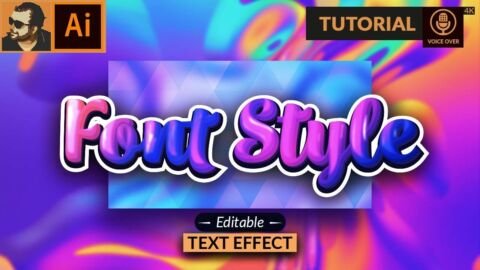
Read moreDesign an editable 3D text style in Adobe Illustrator using multiple fills in the Appearance panel with Offset Path, Transform and Gaussian Blur, then...
Read moreAdd background music to a video in Premiere Pro and let it duck automatically under the voiceover using Essential Sound and generated keyframes.
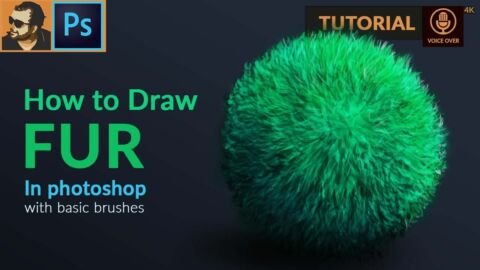
Read morePaint a realistic fur effect in Adobe Photoshop with basic brushes by building light and dark tone samples and stroking along a flow, useful...
Read moreDuplicate and rotate objects around a circle in Adobe Illustrator with Object > Repeat > Radial, and edit all copies at once.
Read moreEpisode 4 of the Kids Drawing to Reality series: a child’s small dragon sketch repainted in Photoshop, shown as a speed painting.
Read moreRemove wind or fan noise from a video clip in Premiere Pro with the DeNoise and Highpass effects while keeping the natural sounds.
Read moreReview of the XP-Pen Artist 15.6 Pro pen display: unboxing, the single-cable connection, driver setup, pressure test in Photoshop, and a month of use.
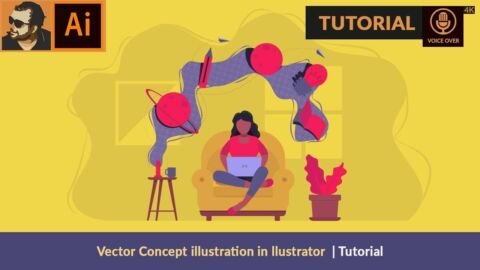
Read moreCreate a flat-design concept character in Adobe Illustrator for branding or infographics: brand colours, a rough sketch, simple shapes, stroke profiles and small props.
Read moreEpisode 3 of the Kids Drawing to Reality series: a child’s green monster repainted in Photoshop, shown as a speed painting.
Read more