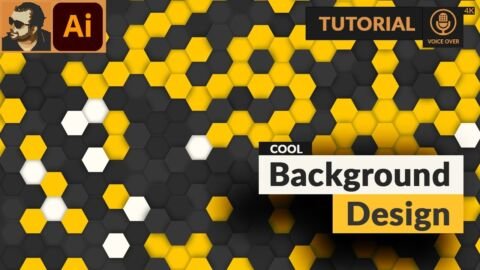
Vector Background Design with Repeat Grid in illustrator | Tutorial
Make a sci-fi honeycomb background in Adobe Illustrator with Repeat Grid, random colour groups, Inner Glow, Outer Glow and Drop Shadow.
Read moreCategory
Make a sci-fi honeycomb background in Adobe Illustrator with Repeat Grid, random colour groups, Inner Glow, Outer Glow and Drop Shadow.
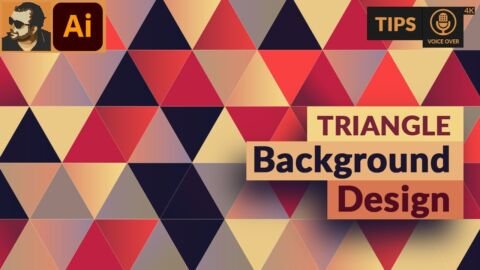
Read moreCreate a colourful triangle background in Adobe Illustrator: divide a hexagon into six triangles, colour them, and tile with Repeat Grid.
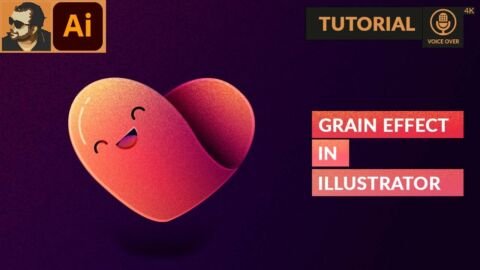
Read moreAdd a grain texture to vector art in Adobe Illustrator with gradients, opacity masks and the Grain effect, using a heart shape as the...
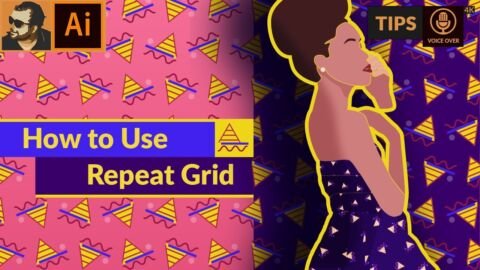
Read moreUse Object > Repeat > Grid in Adobe Illustrator to make seamless repeating patterns that stay vector and editable, without the Pattern tool.
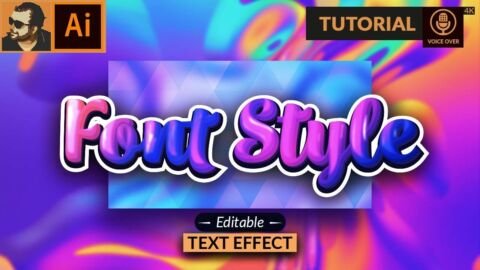
Read moreDesign an editable 3D text style in Adobe Illustrator using multiple fills in the Appearance panel with Offset Path, Transform and Gaussian Blur, then...
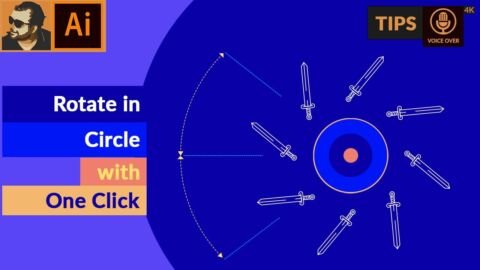
Read moreDuplicate and rotate objects around a circle in Adobe Illustrator with Object > Repeat > Radial, and edit all copies at once.
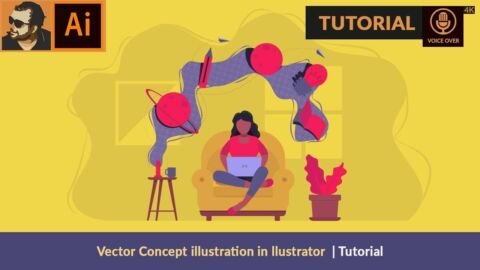
Read moreCreate a flat-design concept character in Adobe Illustrator for branding or infographics: brand colours, a rough sketch, simple shapes, stroke profiles and small props.
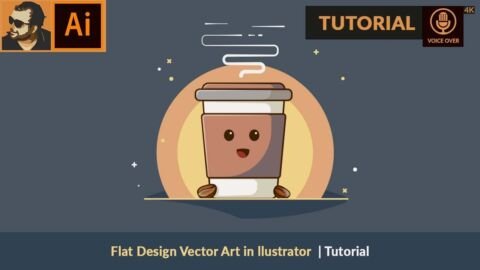
Read moreDraw a cute minimal coffee cup vector in Adobe Illustrator from basic rectangles and rounded corners, then recolour it into several versions.
Read moreAn introduction to the Digital Art Creation YouTube membership: premium tutorials, extended speed art videos, source files and more.
Read more