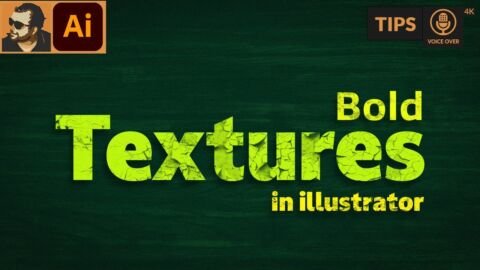
How to Add Texture in Illustrator | Tips
Short Illustrator tips for adding texture to text and backgrounds using texture images from Envato Elements.
Read moreCategory
Short Illustrator tips for adding texture to text and backgrounds using texture images from Envato Elements.
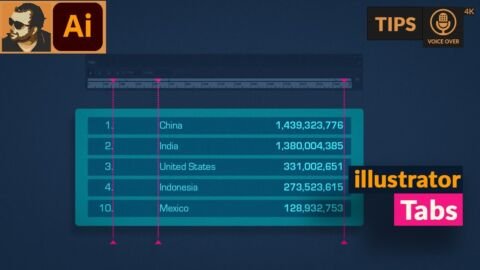
Read moreHow to use the Tabs panel in Adobe Illustrator to align lists cleanly: tab stops, decimal and right alignment, and cleaning hidden characters.
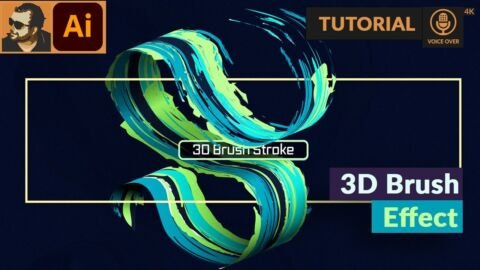
Read moreCreate a 3D brush stroke ribbon in Adobe Illustrator: artistic paint brushes saved as a symbol, mapped onto an extruded path, expanded and shaded...
Read moreFour quick background designs in Adobe Illustrator made with the Distort and Transform effects, shown as a speed art video.
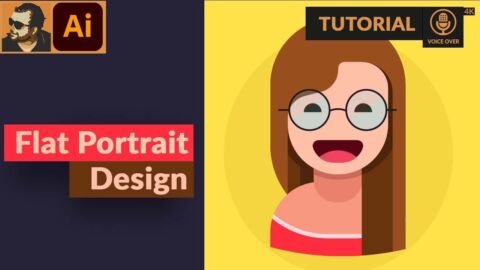
Read moreDesign a flat cartoon portrait in Adobe Illustrator with rectangles, rounded corners and the Shape Builder tool: face, mouth, hair layers, body, glasses, colours...
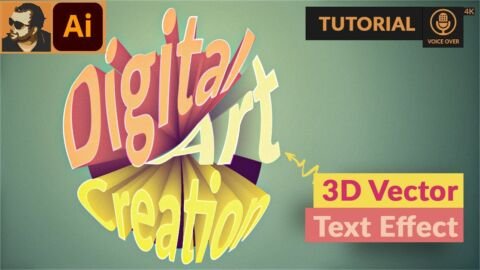
Read moreWrap three words around a sphere in Adobe Illustrator with Envelope Distort, then give the sphere depth with a Blend and finish with strokes...
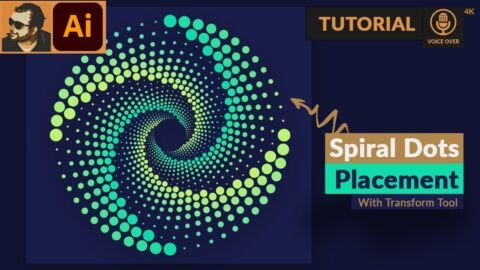
Read morePlace circles along a spiral in Adobe Illustrator using a Blend on an arc path, mirrored copies, and a Transform effect with scaled and...
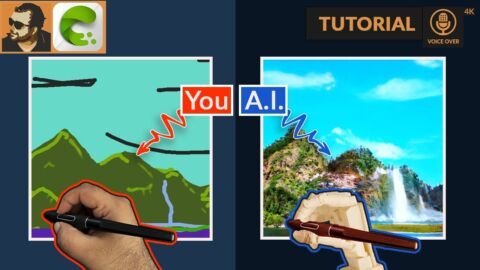
Read moreHow to paint realistic landscapes with NVIDIA Canvas: materials, layers, styles, exporting to PSD, and the graphics card requirement.
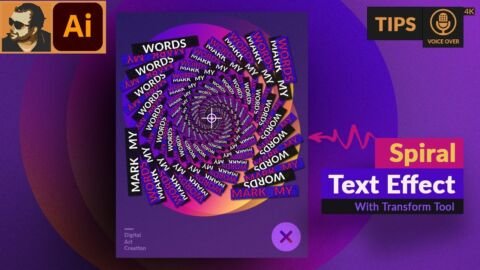
Read moreMake a repeating spiral text effect in Adobe Illustrator with one Transform effect: grouped text, scaled and rotated copies, reflections, and it stays editable.
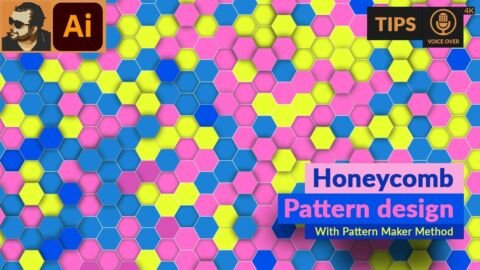
Read moreBuild a colourful honeycomb vector background in Adobe Illustrator using the Pattern Maker instead of Repeat Grid.
Read more