AI Meets Photoshop: Generative Fill Explained | Tutorial
What Photoshop Generative Fill can do in its first beta: extend photos, replace objects with a prompt, and build a scene from a blank...
Read moreCategory
What Photoshop Generative Fill can do in its first beta: extend photos, replace objects with a prompt, and build a scene from a blank...
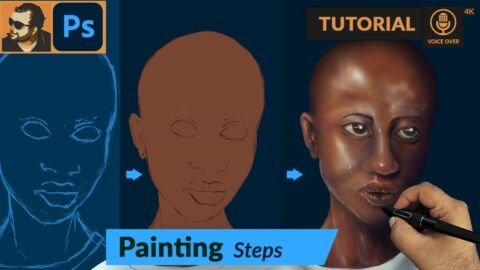
Read morePaint a portrait in Adobe Photoshop with basic brushes: sketch, base colours, a defined light source, depth and detail layers, then shadows, highlights, hair...
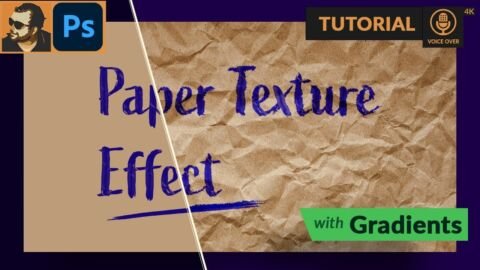
Read moreCreate a realistic paper texture in Photoshop with a diamond gradient in Difference mode, Emboss and Levels, then bend text and images into it...
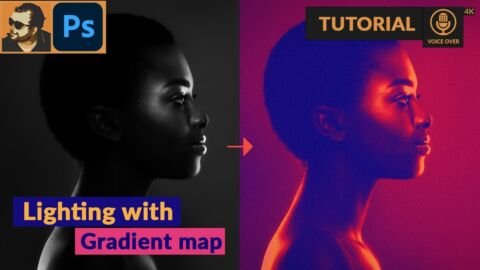
Read moreColour a greyscale photo in Photoshop with a Gradient Map adjustment layer: prepare with Levels, assign colours to shadows, mid-tones and highlights, then add...
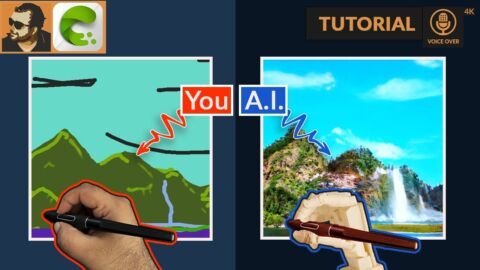
Read moreHow to paint realistic landscapes with NVIDIA Canvas: materials, layers, styles, exporting to PSD, and the graphics card requirement.
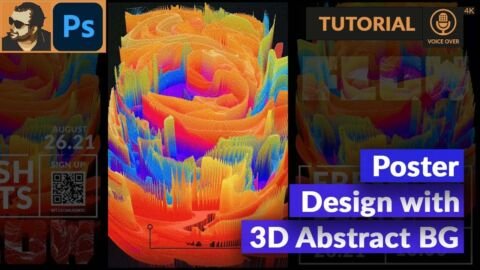
Read moreHow an abstract 3D poster background was made in Photoshop: painted colours, Liquify, a 3D Depth Map plane rendered as texture and vertices, then...
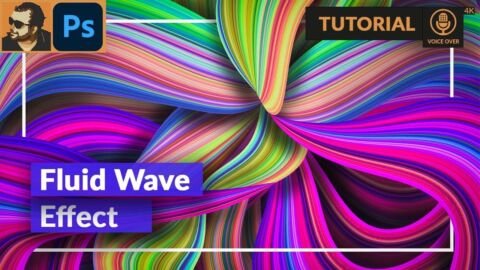
Read moreCreate a fluid wave background in Photoshop with noise gradients shaped by Warp, soft shadow layers for depth, and blurred copies for a 3D...
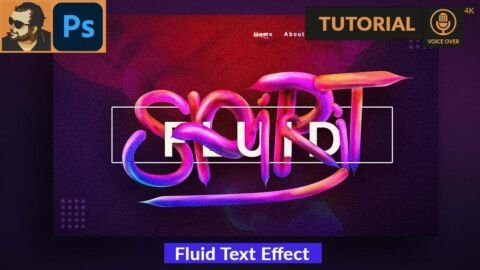
Read moreCreate a fluid, liquid text effect in Photoshop with the Mixer Brush: build a colour palette layer, paint letters with a very wet heavy...
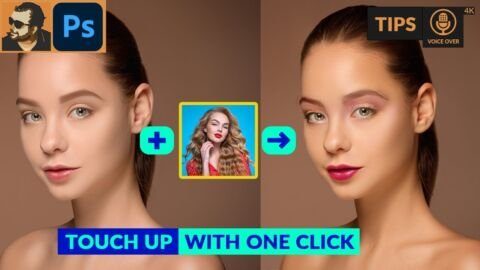
Read moreUse the Makeup Transfer neural filter in Photoshop to copy a makeup style from one portrait to another in a single click.
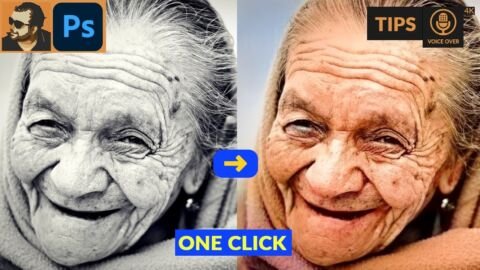
Read moreColourise a black and white photo in Photoshop in one click with the Colorize neural filter, then improve it with saturation, colour sliders and...
Read more