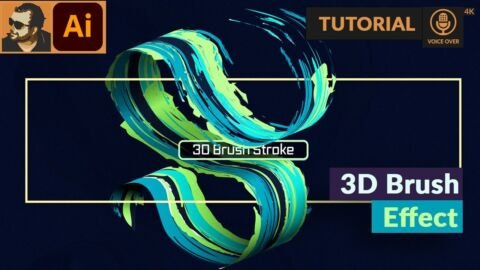
3D Brush Stock Effect in Adobe Illustrator | Tutorial
Create a 3D brush stroke ribbon in Adobe Illustrator: artistic paint brushes saved as a symbol, mapped onto an extruded path, expanded and shaded...
Read morePosts by
Create a 3D brush stroke ribbon in Adobe Illustrator: artistic paint brushes saved as a symbol, mapped onto an extruded path, expanded and shaded...
Read moreA fantasy vector landscape in Adobe Illustrator: an explorer on the shore of an alien lake at sunrise, in a painterly Bob Ross inspired...
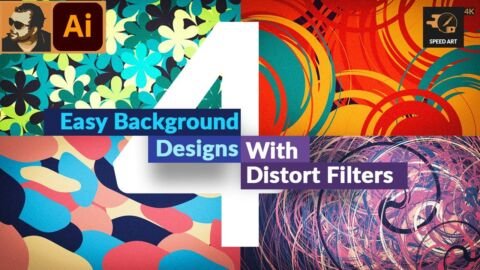
Read moreFour quick background designs in Adobe Illustrator made with the Distort and Transform effects, shown as a speed art video.
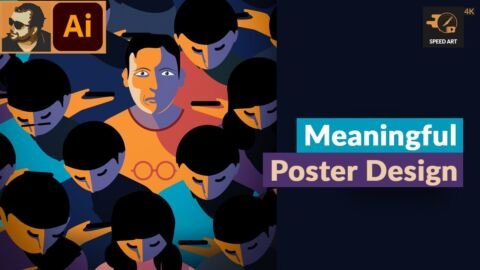
Read moreA poster artwork about technology addiction drawn in Adobe Illustrator, shown as a speed art video.
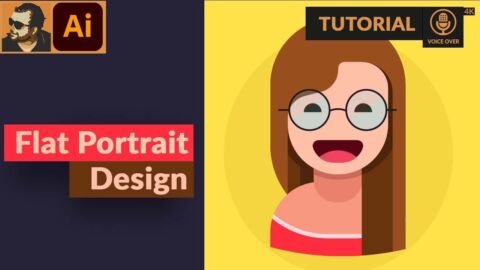
Read moreDesign a flat cartoon portrait in Adobe Illustrator with rectangles, rounded corners and the Shape Builder tool: face, mouth, hair layers, body, glasses, colours...
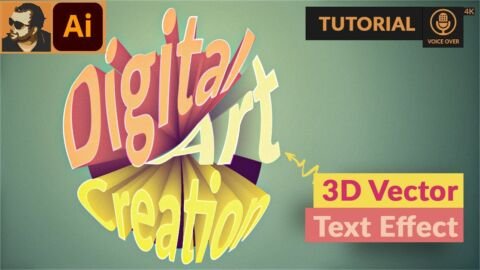
Read moreWrap three words around a sphere in Adobe Illustrator with Envelope Distort, then give the sphere depth with a Blend and finish with strokes...
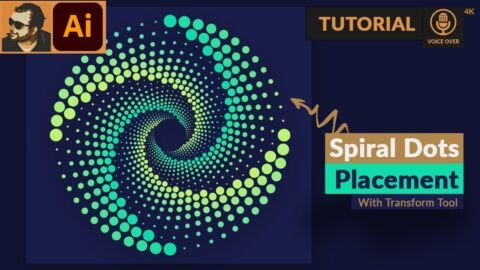
Read morePlace circles along a spiral in Adobe Illustrator using a Blend on an arc path, mirrored copies, and a Transform effect with scaled and...
Read moreReview of the Huion Kamvas 13 pen display: unboxing, build, setup, pen pressure test in Photoshop, price in Singapore, and who it suits.
Read moreHow to paint realistic landscapes with NVIDIA Canvas: materials, layers, styles, exporting to PSD, and the graphics card requirement.
Read moreSix minimal logo ideas built around the letter E in Adobe Illustrator, shown as a speed art video.
Read more